
iWebTV: Cast Web Videos Directly to Your TV in Native 4K (Zero Latency)
If you are wondering exactly what is iWebTV, it is a specialized media extraction utility that permanently solves the frustration of living room streaming. Unlike traditional casting methods that rely on your phone’s hardware to encode a video feed, the iWebTV app fundamentally changes the connection protocol between your mobile device and your television.
By aggressively bypassing standard screen-mirroring protocols, iWebTV utilizes internal browser scripts to extract the direct media URL (such as .mp4 or .m3u8 files) from complex web pages. It then hands this raw URL directly off to your television’s native media decoder. The result? Your phone acts purely as a remote control while your television streams the content in uncompressed, native 1080p or 4K. No lag, no stuttering, and absolutely zero mobile battery drain.
Press ESC to close
See iWebTV in Action — Every Feature, Captured
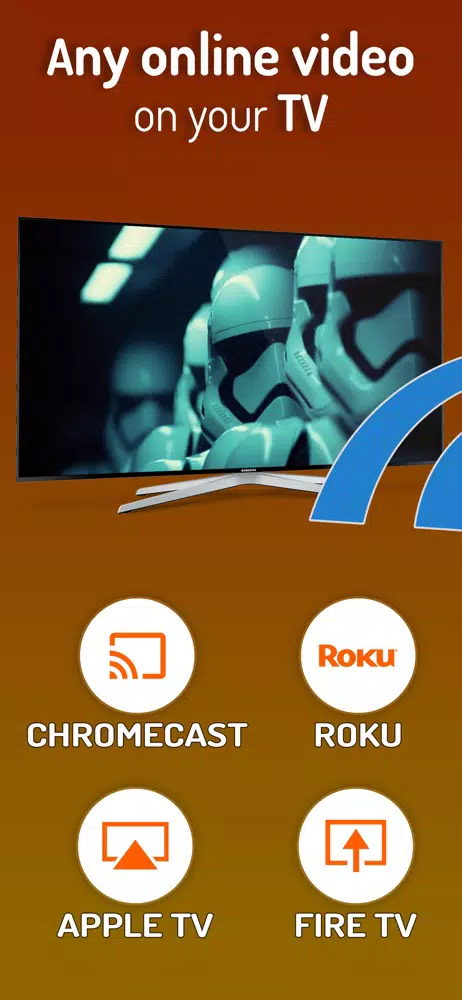
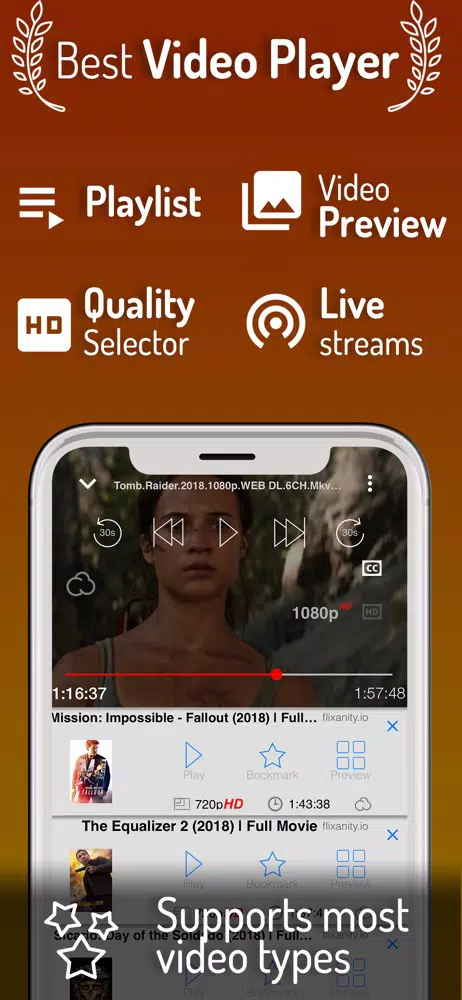
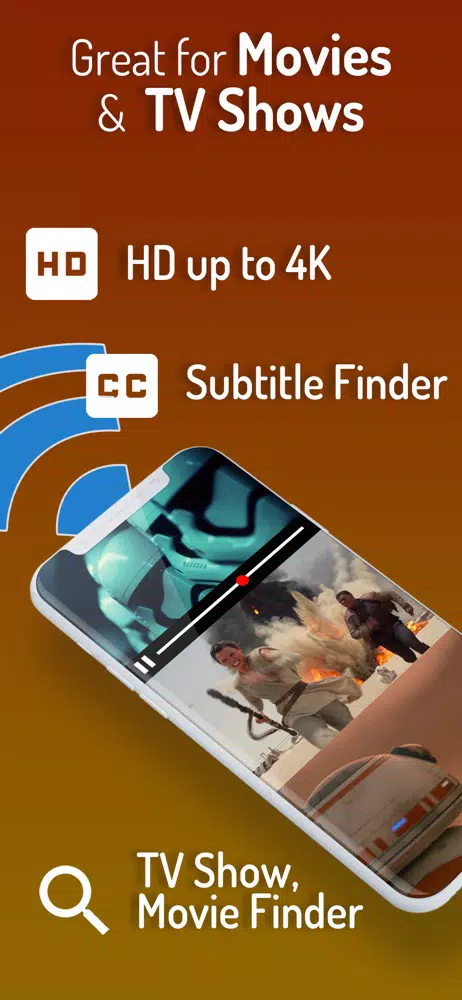
Four core capabilities. One app. Browse the actual interface below and understand exactly what you are downloading before you commit a single tap.
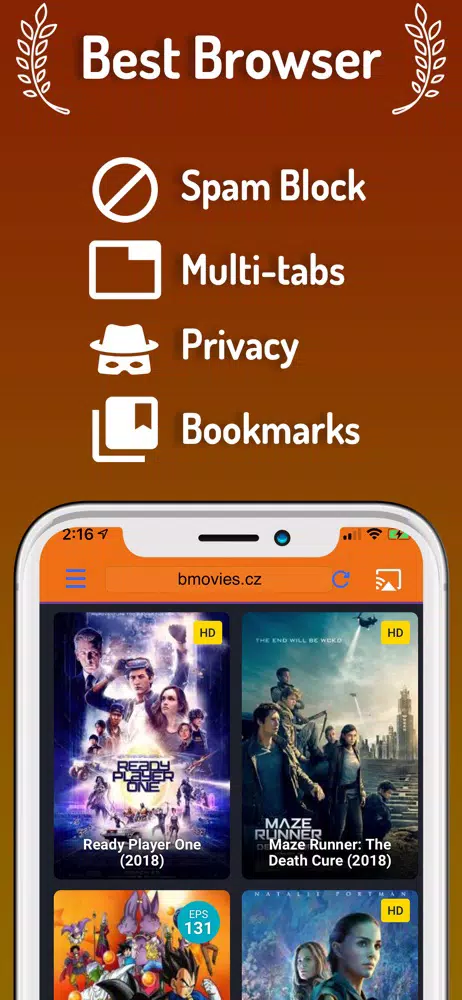
Why iWebTV Outperforms Standard Wireless Display Mirroring
Most users experience severe buffering because they are using standard wireless display mirroring. Standard mirroring forces your phone’s GPU to constantly capture, compress, and transmit the active display over your Wi-Fi network, leading to heavy lag and network congestion. Here is how the direct-stream methodology changes the ecosystem:
| Feature / Metric | Standard Screen Mirroring | iWebTV Direct-Stream |
|---|---|---|
| Video Quality | Highly compressed, locked to phone resolution. | Native 1080p & 4K (if source allows). |
| Battery Drain | Extreme (GPU is actively encoding video). | Zero (Phone display can be turned off). |
| Network Load | Heavy (Continuous LAN packet transmission). | Minimal (TV streams directly from the web host). |
| Multitasking | Impossible (Exiting the video app breaks the cast). | Full (Text, browse, or sleep phone while TV plays). |
| Audio Sync | Frequently falls out of sync over time. | Perfect sync (Handled by TV hardware). |
Receiver Compatibility: Will iWebTV Work on Your TV?
To successfully initiate a direct stream, the iWebTV app requires both devices to be on the identical local subnet (5GHz Wi-Fi recommended). The application supports a massive array of living room hardware, but the connection method depends entirely on your television’s internal operating system.
Install the Free iWebTV Receiver
For these operating systems, you must install the free companion “iWebTV Receiver” app from their respective digital storefronts.
- Apple TV Supports 4th Generation hardware running tvOS 17.6 or later.
- Roku Supports all modern Roku Streaming Sticks and Roku TVs.
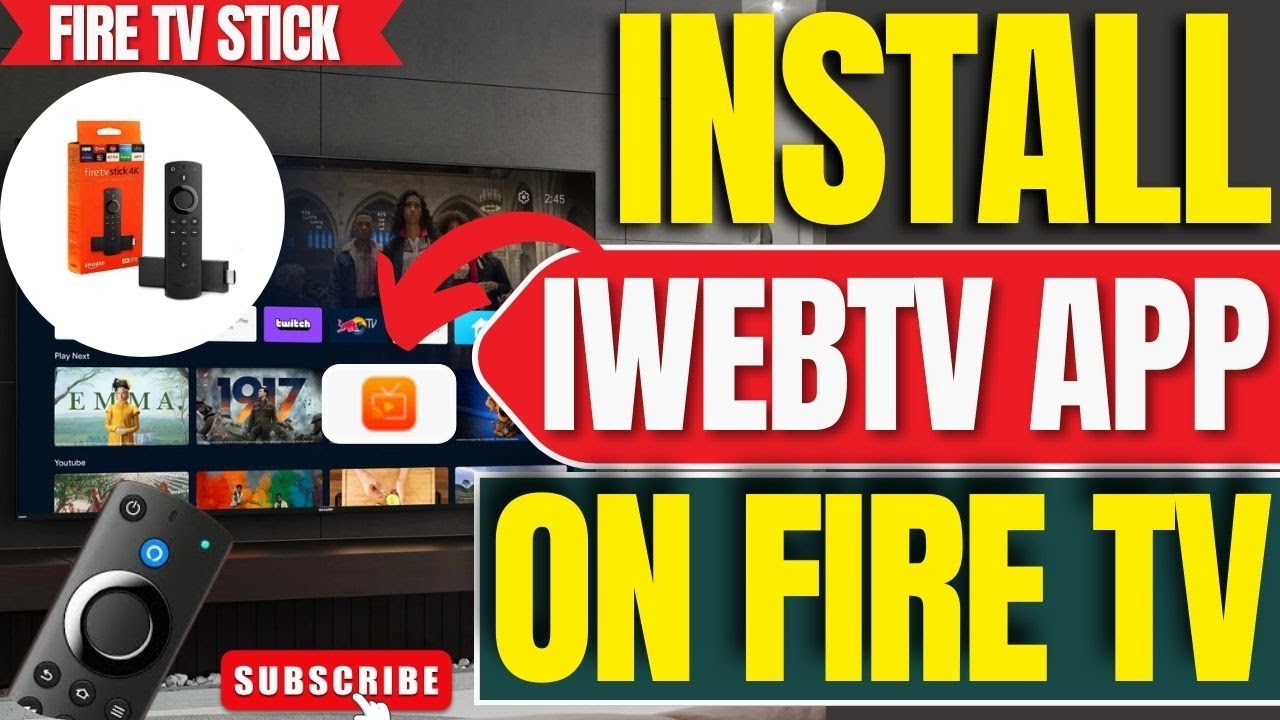
- Amazon Fire TV Supports Fire OS hardware (requires sideloading/developer permissions in some regions).
Auto-Detected via Open Protocols
These platforms feature open casting protocols (like mDNS or DIAL). The mobile app will detect them automatically without requiring a separate receiver download.
- Chromecast All Google Cast enabled dongles and native Android TVs.
- Samsung Smart TVs Fully supported on 2018 models and newer.
- Other Supported Brands Native casting support for LG TV, TCL, Vizio, Sony, Hisense, Insignia, Sharp, and Philips smart displays.
Built-In Popup Protection: Safely Navigate Free Streaming Sites
Navigating complex HTML5 video hosts—especially those offering free media—often subjects your mobile browser to a barrage of malicious scripts, invisible overlays, and infinite redirect loops. One of the core reasons millions of users download the application is its utility as a protective barrier.
The app’s customized internal web browser actively utilizes proprietary JavaScript injection to locate the hidden video files while aggressively shutting down hostile web elements. If you are casting iWebTV free movies from popular, ad-heavy portals (like soap2day or similar indexers), the built-in ad-blocker ensures:
- Redirect Loop Termination Prevents the browser from being hijacked to third-party domains.
- Invisible Overlay Blocking Disables transparent “click-jack” buttons placed over video play buttons.
- Adult/Malware Ad Suppression Keeps explicit banners and rogue APK download triggers off your screen.
- Clean TV Handoff Extracts only the clean media payload for the television, leaving the junk scripts trapped on the mobile device.
iWebTV Free vs. PRO: The Real Cost of Casting
The application, developed by Swishly Inc., operates on a strict freemium monetization model. While you can download and cast videos completely for free, the baseline experience is heavily restricted. Understanding this matrix is vital before you commit.
⚠️ CRITICAL SECURITY WARNING REGARDING MOD APKs
The confusing $3.99 microtransaction structure drives many Android users to search for an “iWebTV PRO APK” to bypass the $6.99 paywall. Do not install modified packages. The official app relies on secure cryptographic signatures. Installing an unsigned, cracked “mod” over the official version will trigger a persistent “App Not Installed” error. Worse, gray-market APKs promoting $0.00 PRO unlocks are the leading vector for data-theft malware and local network compromise.
Choose Your Platform & Get Started
Ready to configure your streaming setup? Select your hardware environment below to access our highly detailed, step-by-step technical guides and official download links.
Apple iOS
The native environment. Access the official App Store repository for iPhones and iPads, and configure your iOS 16.6+ permissions for flawless casting.
Go to iOS Download GuideAndroid APK Hub
Sideload safely. Get the SHA256-verified base application for your Android device, bypassing regional locks with complete security transparency.
Go to Android APK GuidePC & Mac Emulator Bridge
Cast from your desktop. Learn how to configure MEmu or BlueStacks to successfully run the mobile architecture seamlessly on your Windows or macOS machine.
Go to PC Emulator GuideTechnical Diagnostics Hub
App failing to find your TV? Experiencing infinite buffering or Roku configuration errors? Access our step-by-step diagnostic repository to fix LAN discovery failures.
Go to Troubleshooting Hub